
Quick Start Guide, introduce the product's unboxing, connection, setting, playback and other contents
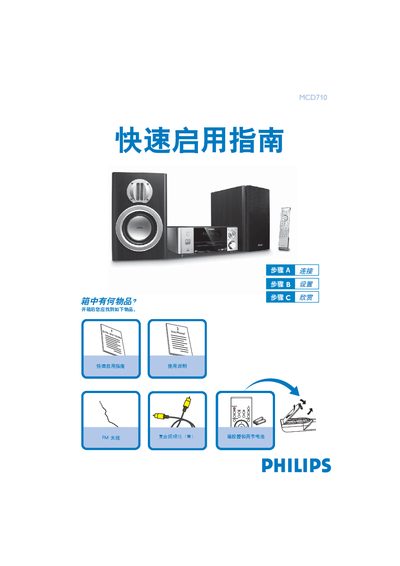
The guide lists the items included in the box, such as the remote control with batteries, composite video cable, FM antenna, speakers, power cord and USB cable. It shows how to connect the DVD player to a TV, attach the FM antenna, and power the unit.
It also explains how to set the clock, play a disc, use the tuner, and play audio files from a USB storage device, with step‑by‑step button instructions for each function. This manual is written in Chinese.
Press the / key to open the disc tray, insert the disc with the label side up, then press the / key again to close the tray and playback starts automatically.
Insert the USB plug into the USB port, press the SOURCE (or USB) key to select USB, and the player will play the audio files just like a CD.