
This manual introduces the basic functions, operating steps and troubleshooting methods of Philips BDL4631V liquid crystal display.
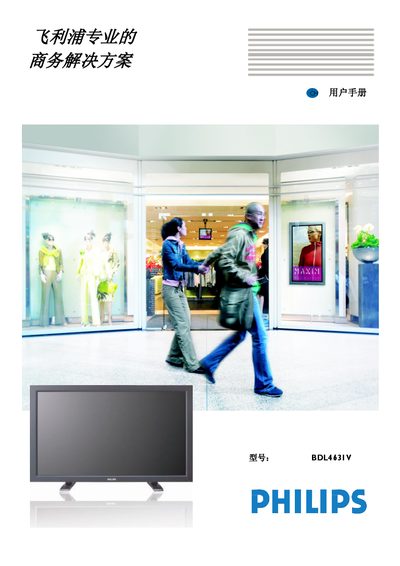
This manual covers all aspects of using the Philips BDL4631V LCD monitor, from safety warnings and unpacking to detailed configuration of picture, audio and advanced options. It also includes wiring diagrams, pin layouts and a full list of supplied accessories.
The document provides troubleshooting guidance for common issues such as no image, image retention, power problems and remote‑control operation, as well as the full performance specifications of the display. This manual is written in Chinese.
| Resolution | 1920 x 1080 |
|---|---|
| Brightness | 450 cd/m² (typ.) |
| Contrast Ratio | 1500:1 (typ.) |
| Response Time | 6 ms (typ. G to G) |
| Viewing Angle | 176° horizontal, 176° vertical |
| Power Consumption | Maximum 285 W, standby < 5 W |
The monitor comes with a 13 A molded plug with a built‑in fuse; replace the fuse with a BS 1362 5 A fuse or an equivalent approved fuse, and ensure the plug matches the local socket voltage and grounding requirements.