
This document is a user manual for the HDD and DVD Player/Recorder DVDR3570H / DVDR3590H. It provides information on the features and usage of the product.
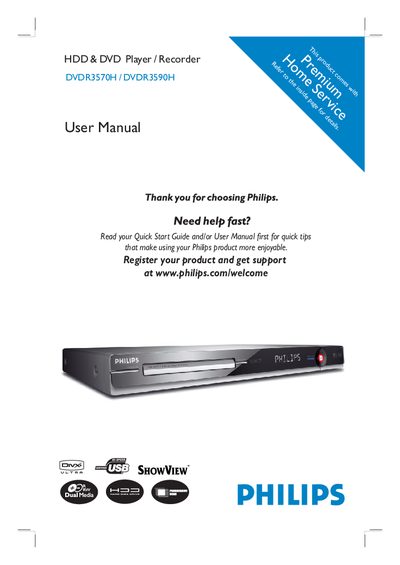
This manual covers safety precautions, installation steps, and connection options for the Philips DVDR3570H and DVDR3590H DVD recorders. It explains how to position the unit, connect antennas, video/audio cables, and optional devices such as cable boxes, VCRs, or camcorders.
The guide also details recording features (timer, time‑shift, simultaneous record/play), playback options, editing functions, system settings, and energy‑saving modes. A troubleshooting section and FAQs help resolve common issues, while contact information for Philips support is provided.
| Laser type (DVD) | Semiconductor laser InGaAIP |
|---|---|
| Laser wavelength (DVD) | 658 nm |
| Laser output power (DVD+RW write) | 30 mW |
Visit www.philips.com/support to download software upgrades for the DVD recorder.
Wipe the disc with a micro‑fibre cleaning cloth from the centre to the edge in a straight line and avoid solvents.
No, the unit does not contain any user‑serviceable parts; maintenance should be performed by qualified personnel.