
The user manual for Toshiba Barcode Printer B-SX8T series provides information about the usage conditions, safety overview, and preventive measures of the printer.
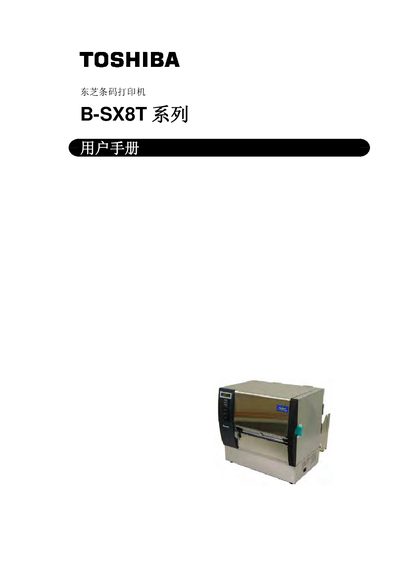
This manual covers everything needed to set up and use the Toshiba B‑SX8T series barcode printer, including safety guidelines, hardware installation, interface configuration, and consumable handling. Detailed sections explain how to load media, adjust parameters, and perform routine maintenance.
Safety warnings, recommended maintenance procedures, and a full list of specifications and consumable details are provided to ensure reliable, long‑term operation in industrial environments. This manual is written in Chinese.
| Resolution | 305 dpi (12 dots/mm) |
|---|---|
| Print Speed | 3 in/s (76.2 mm/s), 4 in/s (101.6 mm/s) or 8 in/s (203.2 mm/s) |
| Dimensions (W × H × D) | 417 mm × 282 mm × 395 mm |
| Power Supply | Only use voltage marked on the nameplate; other voltages are prohibited |
Press the [PAUSE] key when the “PARAMETER SET” screen appears, then use the [FEED] or [RESTART] keys to select the desired character code and confirm with [PAUSE].