
Toshiba Thermal Printer TRST-A10 Series User Manual
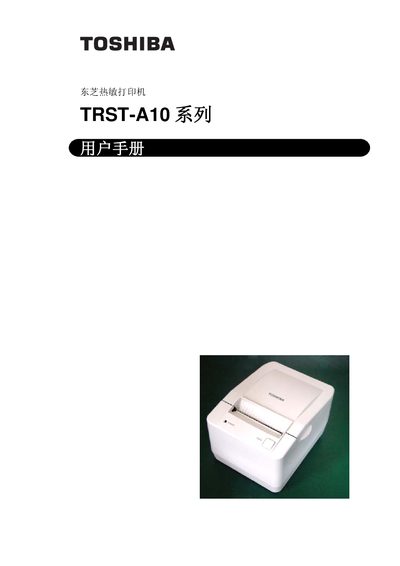
This manual covers the setup, operation, and maintenance of the Toshiba TRST-A10 thermal printer. It includes safety notices, FCC compliance information, and detailed specifications such as power requirements, dimensions, and supported barcode symbologies.
The document also provides troubleshooting guidance, interface options, and environmental limits, helping users to correctly install and use the printer in various applications.
| Power Input (DC) | 24 V, 3.15 A (75 W) |
|---|---|
| Power Input (AC) | 100–240 V, 50/60 Hz, 2.0 A max |
| Dimensions (W x D x H) | 145.5 mm x 185.5 mm x 141.0 mm |
| Supported Barcode Symbologies | UPC-A, UPC-E, JAN13 (EAN), JAN8 (EAN), Code 39, Code 128, Interleaf 2 of 5, Codabar, PDF417, Code 93 |
| Operating Temperature | -20 °C to 60 °C |
| Operating Humidity | 10%–90% RH |
It requires a DC 24 V supply at 3.15 A (75 W).
The printer supports UPC‑A, UPC‑E, JAN13 (EAN), JAN8 (EAN), Code 39, Code 128, Interleaf 2 of 5, Codabar, PDF417, and Code 93.
The printer measures 145.5 mm (W) × 185.5 mm (D) × 141.0 mm (H).
It operates from –20 °C up to 60 °C.