
The Unitech HT680/HT682 user manual explains installation, operation, battery care, laser safety and configuration for the handheld terminal.
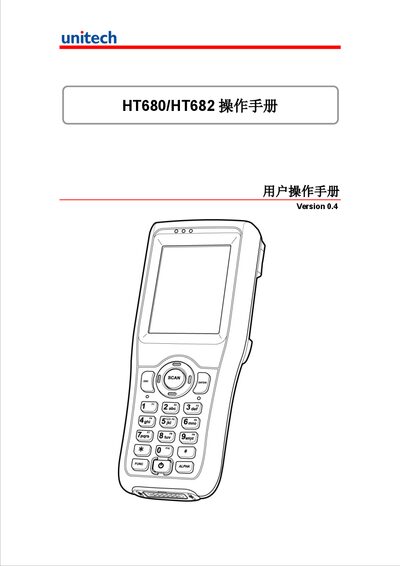
This manual provides step‑by‑step instructions for installing, operating and maintaining the Unitech HT680/HT682 handheld terminals. It covers battery handling, first‑time setup, keyboard and scanning functions, power management, communication options and common software tools.
Additional sections describe laser safety, server settings, backup and restore procedures, and global technical support contacts, helping users get the most out of the device in field environments. This manual is written in Chinese.
| Operating temperature | -10 °C to 50 °C |
|---|---|
| Weight (without battery) | 280 g ± 10 g |
| Main battery capacity | 2200 mAh (3.7 V) |
| Display | 2.8" TFT color touchscreen, 240×320 pixels |
Charge the device for at least 4 hours to fully charge both the main and backup batteries.
The device operates between –10 °C and 50 °C.
Open the Backup tab, click Save and the registry is stored in FlashStorage\SystemBackup.