
The HP LaserJet P2030 Series printer user guide provides setup, operation, maintenance, and troubleshooting instructions.
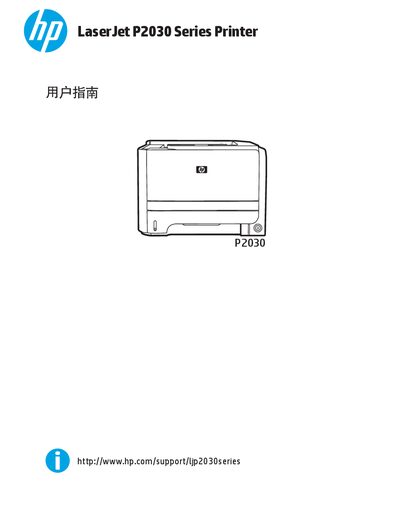
This guide introduces the HP LaserJet P2030 Series printer, its hardware layout, control panel functions, and available interfaces such as USB, parallel, and network connections. It also details the supported operating systems and driver software for Windows, Macintosh, and Linux.
The manual covers printing options, paper and media handling, consumable management, and step‑by‑step troubleshooting procedures for common issues like paper jams, print quality problems, and connectivity errors. This manual is written in Chinese.
Use the Windows printer driver settings as described in the guide.
Clean the paper feed rollers following the cleaning instructions in the maintenance section.
Follow the paper‑jam troubleshooting steps, including checking the paper path and clearing any jammed paper.