
The NEC WT615/WT610 projector user manual provides safety instructions, installation steps, operation guidance, and maintenance procedures.
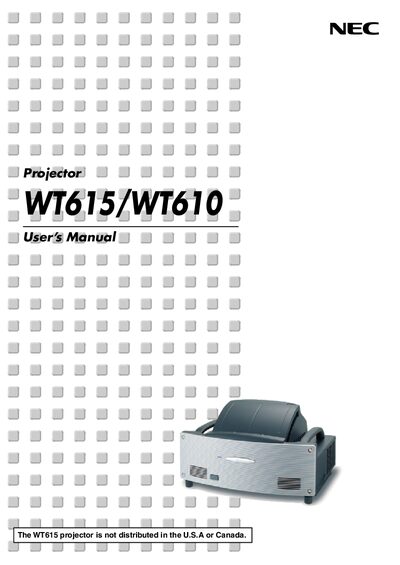
This manual explains safe handling of the NEC WT615/WT610 projector, including warnings about high‑voltage components, ventilation, and proper power‑off procedures. It also lists the required accessories and provides a quick reference for serial numbers and safety symbols.
The guide covers installation and connections, basic image projection, convenient features such as the electronic pen and USB memory, on‑screen menu navigation, routine maintenance, lamp replacement, and troubleshooting. Technical specifications and optional network or wireless options are included in the appendix.
| Model Number | WT615/WT610 |
|---|---|
| Resolution | 1024 × 768 pixels |
| Lamp Power | 275 W (210 W Eco mode) |
| Projection Distance | 2.52" – 25.94" (64 – 659 mm) |
| Power Requirement | 100 – 240 V AC, 50/60 Hz |
| Power Consumption (Normal mode) | 370 W |
| Built‑in Speakers | 1 W (Stereo) |
Replace the lamp when the message appears, wait at least 90 seconds after power‑off, then allow 60 minutes to cool before removing the lamp.
Do not open the cabinet, keep the unit dry, ensure ventilation, avoid touching the power plug with wet hands, and let qualified NEC service personnel handle internal components.
The projector operates on a 100 – 240 V AC power supply at 50/60 Hz.