
The Philips VTR8600 voice recorder user manual provides setup, operation, charging, file management, safety information, and technical specifications.
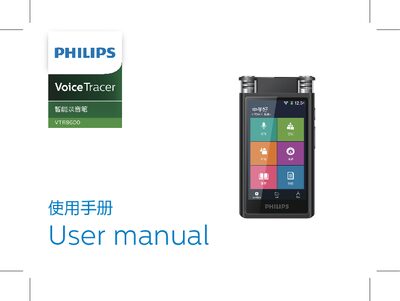
This manual introduces the Philips VTR8600 voice recorder, covering its key features such as high‑performance codec, WAV recording at 48 kHz, text transcription, SD‑card expansion, and Type‑C fast data transfer. It also points users to Philips online support for additional resources.
The guide walks through safety precautions, power‑on procedures, the main interface with six recording modes, file handling, settings, charging methods, common troubleshooting, and detailed technical parameters like storage, dimensions, and operating conditions. This manual is written in Chinese.
| Internal storage type | EMMCP |
|---|---|
| Dimensions (W × H × D) | 98 × 52 × 10.3 mm |
| Weight (incl. battery) | 79 g |
| Operating system requirement | Windows 7/8/10, macOS |
| Interface | Type‑C |
| Operating temperature | 5 °C – 45 °C |
| Operating humidity | 10 % – 90 % (non‑condensing) |
If the device does not power on, charge it for about three hours before the first use.
The recorder supports converting recorded WAV files to text; ensure the recording is in WAV format and a supported language is selected.