
This document provides a user manual for a projector, including operation instructions, image adjustment, setting menu, lamp replacement, etc.
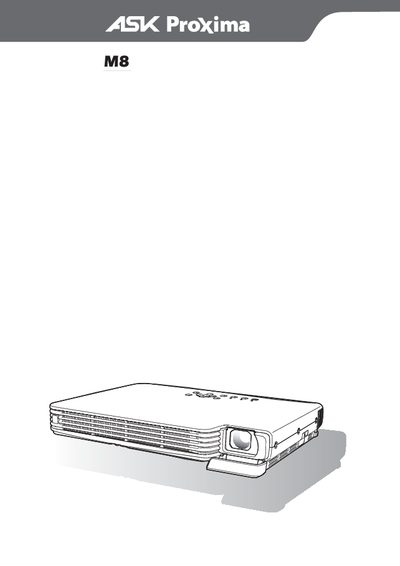
This manual explains how to set up the ASK Proxima M8 projector, adjust image settings such as brightness, color mode, zoom, focus, and aspect ratio, and use on‑screen functions like pointer display. It also covers basic operation steps, lamp replacement, and cleaning procedures.
Additional sections describe how to pause or freeze the projected image, change input sources, and reinstall the projector after accidental disassembly. Safety notes and troubleshooting tips are provided throughout. This manual is written in Chinese.
| Resolution | XGA (1024 × 768) |
|---|---|
| Supported aspect ratios | 4:3, 16:9 |
Press the COLOR MODE key; the screen will show the current color mode and allow you to select a different one.
Press the BLANK key (or ESC) to display a blank screen and pause the source image.