
This document provides a quick start guide for the C250 C250W C315 series projectors, including unboxing, remote control usage, projector functions, status indicator panel, etc.
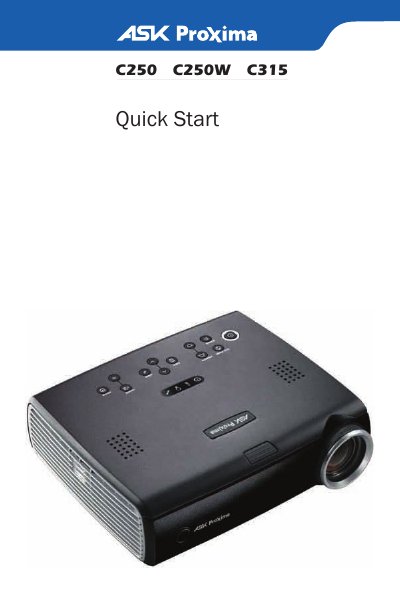
This document is a quick start guide for the ASK C250, C250W, and C315 projector models. It details the contents of the package, including the remote control and cables, and provides instructions on installing batteries in the remote.
The guide covers essential setup steps such as connecting various source devices (computers, DVD players) using color-coded cables, powering on the device, and adjusting the image height and keystone correction. It also includes a troubleshooting section for common issues like no picture or high temperature warnings.
The package includes a CD-ROM, Product Registration card, Projector Remote and Reference Guide, Carry Case, Lens Cap, Computer Cable, Power Cable, and Tether.
Turn the projector off and wait at least one minute, then turn it on again. If the light turns on again, the lamp needs to be replaced.