
This document is the user manual of the DLP™ projector, which introduces the use and precautions of the projector.
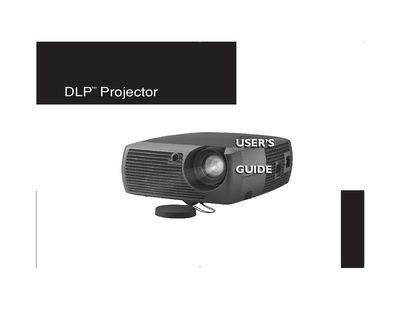
The manual covers the setup and operation of the ASK GEN101 digital projector. It details how to position the unit safely, connect various computer sources (IBM-compatible, Macintosh) and video devices (VCRs, DVD players), and adjust image settings for optimal display quality.
The guide also includes sections on using the remote control and keypad buttons, optimizing images for different content types like presentations or video, and performing maintenance tasks such as cleaning the lens and replacing the projection lamp.
| Native Resolution | SVGA 800x600 |
|---|---|
| Compatible Computer Resolution | up to 1024x768 |
The lamp contains a small amount of mercury and must be disposed of according to local, state, or federal ordinances.
The projector must be placed in a horizontal position no greater than 15 degrees off axis.
The projector must be located at least 4 feet (1.2m) away from any heating or cooling vents.
Do not place objects or people in the 2 foot (.6m) area along the front of the projector.