
Scanner manual, introduces the functions, operating methods and precautions of the scanner
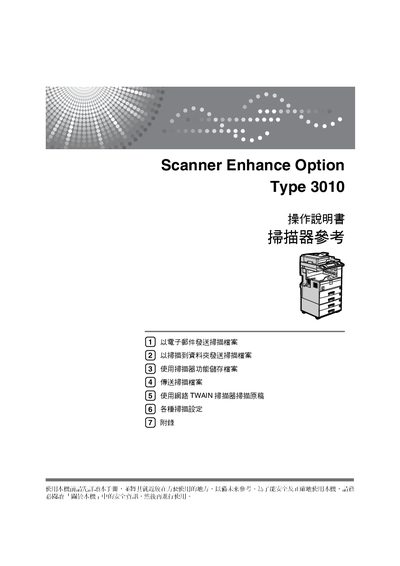
This user manual explains how to operate the Scanner Enhance Option Type 3010. It covers safety information, basic controls, and detailed procedures for sending scanned files via email, to network folders, FTP or NetWare servers, and using the network TWAIN scanner.
Additional sections describe how to save scanned files on the device, configure scan settings such as resolution and file type, and troubleshoot common issues. Appendices list the included software and provide reference tables for scan parameters. This manual is written in Chinese.
Use the Email function described in the manual; select the email address, subject, and message before sending the scanned file.
Choose the "Scan to Folder" option, register the destination folder in the address book, and follow the on‑screen steps to transfer the file.
Install the TWAIN driver from the supplied CD, then select the network TWAIN scanner in the software to start scanning.