
This manual describes how to use the Philips GC1409 and GC1408 steam irons.
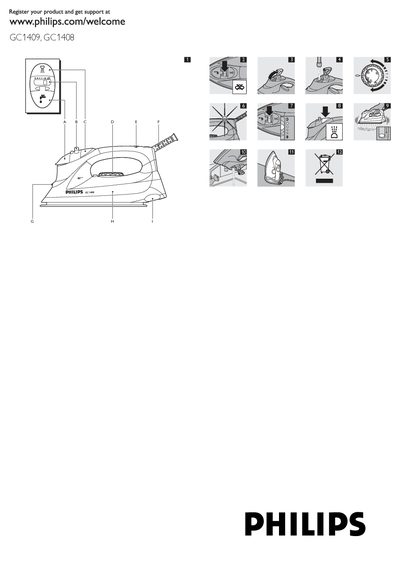
This manual provides instructions for safely using Philips steam irons GC1409 and GC1408. It covers initial setup, filling the water tank, setting temperature, using steam and spray functions, cleaning, and troubleshooting common issues. Safety warnings are emphasized, including not immersing the iron in water and ensuring proper grounding. The manual also includes environmental disposal guidelines and warranty information.
The iron features a water tank with MAX fill level, temperature dial for fabric types, steam control, spray button, and a calc-clean function. Regular maintenance, such as descaling and drying, is required to maintain performance and safety. This manual is written in Chinese.
| Water Tank Capacity | Maximum fill level marked |
|---|---|
| Temperature Settings | Adjustable for fabric types |
| Steam Control | No steam, steam, calc-clean |
No, do not put perfume, vinegar, starch, descaling agents, ironing aids or other chemicals in the water tank.
Set steam control to 'no steam', turn temperature dial to MAX, fill tank to MAX, plug in, wait until temperature light goes out, then hold iron upright and turn steam control to calc-clean until water drains completely.
Check for power supply issues or ensure the temperature dial is set to the correct temperature.