
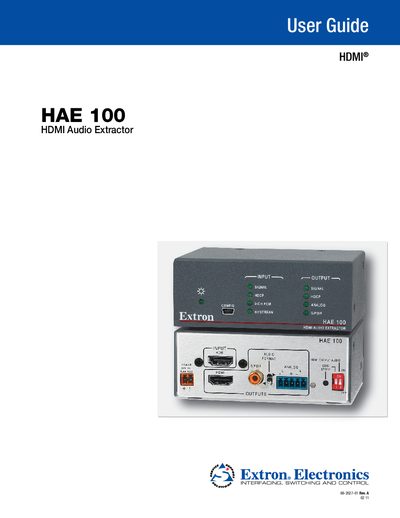
This guide covers the Extron HAE100 HDMI Audio Extractor, describing its features such as HDCP compliance, HDMI 1.3 support, S/PDIF and analog audio outputs, and EDID Minder management. It includes detailed installation steps, panel descriptions, mounting options, and firmware update procedures.
Additional sections explain the Simple Instruction Set (SIS) commands for control computers, troubleshooting tips, specifications, part numbers, optional accessories, and the three‑year warranty terms.
| HDMI version | HDMI 1.3 |
|---|---|
| HDCP compliance | Yes |
| Physical dimensions | 1U high, 3 inches deep, rack‑width |
| Digital audio output | S/PDIF via single RCA connector |
| Analog audio output | Stereo 3.5 mm (5‑pole) connector |
| USB configuration port | Mini‑USB B for firmware updates |
Use the DIP switch on the rear panel to enable or disable the HDMI audio output.
Connect a computer to the front‑panel mini‑USB B port and use the Firmware Loader software to download and install the new firmware.
The unit can be rack‑mounted with Extron rack‑shelf kits or mounted under a desk using the optional MBU 123 under‑desk kit.
Yes, it supports HDMI 1.3 specifications, including data rates up to 6.75 Gbps.