
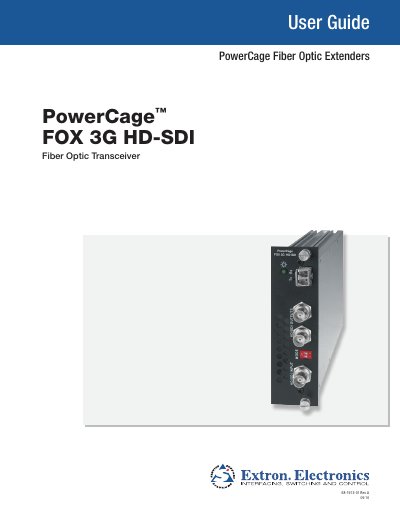
This guide covers the Extron PowerCage FOX 3G HD-SDI fiber‑optic transceiver, describing its features, connection diagram, and how it can be used as a bidirectional transceiver, transmitter, or receiver. It also explains the modular board design, hot‑swap capability, and compatibility with other PowerCage products.
The manual includes extensive safety warnings, power‑source requirements, and step‑by‑step installation and operation procedures, as well as information on remote control, firmware updates, and optional accessories.
| Operating distance (singlemode) | 30 km |
|---|---|
| Nominal peak wavelength | 850 nm (MM), 1310 nm (SM) |
| Transmission power | -5 dBm (typical) |
| Maximum receiver sensitivity (singlemode) | -18 dBm (typical) |
| Optical loss budget (singlemode) | 13 dB (maximum) |
The PowerCage FOX 3G HD‑SDI outputs continuous invisible light (Class 1 rated), which may be harmful to the eyes; do not look into the fiber connectors.
Up to 10 receivers can be daisy‑chained in this manner.
The equipment must be operated only from the power source indicated on the product, using a grounded (neutral) power system with a third grounding pin.