
This manual introduces the features and usage methods of VSC 500/700/700D scan converters.
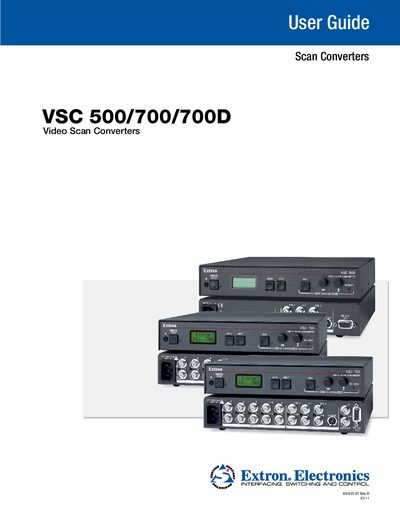
The Extron VSC 500, 700, and 700D are computer‑to‑video scan converters that accept VGA or BNC inputs and output RGB, component, composite, S‑video, and SDI (700D only). The guide covers safety precautions, hardware connections, menu navigation, and remote‑control options, helping users integrate the converters into videoconferencing, recording, or display systems.
Key sections include rear‑panel connector diagrams, detailed menu descriptions, RS‑232 programming with the Extron Simple Instruction Set, firmware upgrade procedures, and a full specifications table. Troubleshooting tips and a list of supported commands enable quick resolution of common issues.
| Video input type | RGBHV, RGBS, RGsB with 1 buffered loop‑through |
|---|---|
| Resolution range | 560 × 384 to 1920 × 1200; 480p, 720p, 1080i, 1080p (RGB only) |
| Horizontal frequency | 24 kHz to 100 kHz (autoscan) |
| Vertical frequency | 50 Hz to 120 Hz (autoscan) |
| Input impedance | 75 Ω |
| Video output types | RGBHV, RGBS, RGsB, component video, S‑video, composite video |
| Output impedance | 75 Ω |
The equipment must be operated only from the power source indicated on the product, using a grounded (neutral) conductor.
Up to eight user presets can be stored and accessed via the optional IR remote control.
The converters support up to 1920 × 1200 resolution (autoscan).