
This document is the operation manual for the multi-function controller model AW-RP655MC. It provides information on safety precautions, notes, components and their functions, connection methods, operation procedures, as well as installation and maintenance.
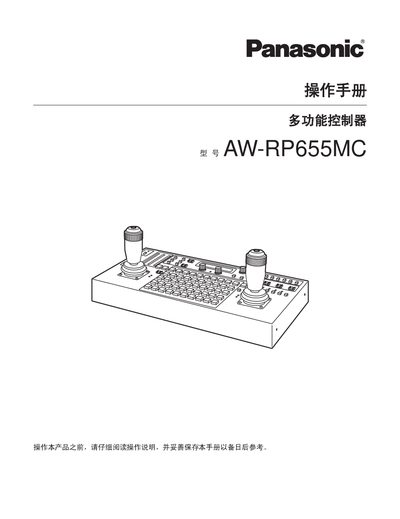
This manual explains safe handling of the AW‑RP655MC multifunction controller, including warnings not to open the panel cover, keep the unit away from moisture, ensure proper ventilation, and connect to a grounded power source. It also outlines the required accessories and installation requirements.
The guide details how to connect the controller to PTZ units, configure camera models, adjust zoom, iris, focus, and other functions, and describes the operation of the control panel, status LEDs, and menu system. This manual is written in Chinese.
| Network connection cable | 10BASE‑T straight cable (unshielded Category 5) |
|---|---|
| Internal communication interface | 4‑pin XLR (INCOM) headset connector |
| Maximum additional units | 2 additional units (3 PTZ systems total) |
The controller can connect up to two additional units, allowing control of three PTZ systems in total.
A 10BASE‑T straight cable, unshielded Category 5 twisted‑pair, is required.