
This document is a user reference manual provided by Lexmark in June 2005, which describes the features and characteristics of Lexmark products.
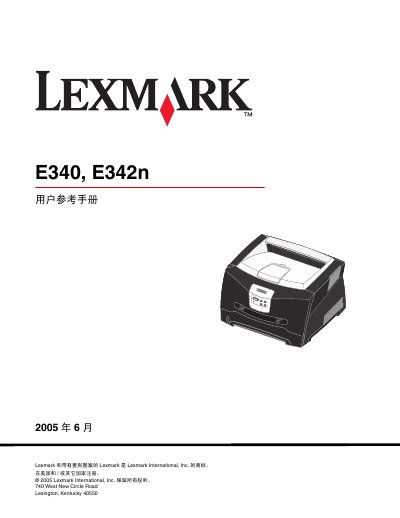
This reference manual covers safety notices, regulatory compliance, and warranty details for the Lexmark E340 and E342n laser printers. It also explains the printer’s power‑save features, energy‑consumption specifications, and how to install software on local and networked computers.
The guide includes detailed chapters on installing optional accessories, using the control panel, configuring TCP/IP settings, managing consumables, and troubleshooting common print‑quality problems. It provides step‑by‑step instructions for tasks such as loading media, printing double‑sided documents, and disabling power‑save mode. This manual is written in Chinese.
| Printing power consumption | 475 W |
|---|---|
| Ready (idle) power consumption | 85 W |
| Power‑save mode consumption | 8 W |
The factory default power‑save timeout is 30 minutes for the Lexmark E342n (and E320).