
This is a smart voice recorder with the following features: high-sensitivity microphone; intelligent synchronous translation; real-time sharing; speech-to-text; role distinction;边充边录function; the model is mini, small and portable.
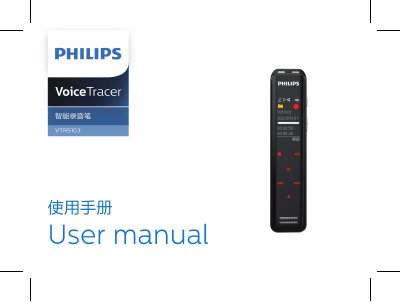
This manual describes the Philips VTR5103 smart voice recorder. It covers product features, safety notices, power on/off, recording and playback, settings mode, installing and connecting the app, status indicators, and technical specifications.
The recorder uses WAV recording and offers interview, diary, teaching, and meeting recording scenes with a dual MIC array. The technical specifications list a net weight of 37 g and dimensions of 105 x 23 x 10 mm. This manual is written in Chinese.
| Recording format | WAV |
|---|---|
| Recording scenes | Interview mode; diary mode; teaching mode; meeting mode |
| Microphone | Dual MIC array |
| Dimensions | 105 x 23 x 10 mm |
| Operating system requirements | Windows 7/8/10, XP, Mac OS |
The recorder uses WAV recording format.
Keep the device within 5 meters of the phone, without obstacles in between, for better recording and real-time translation.
After installing and opening the app and turning on Bluetooth, tap search and manually select the device ID, such as VTR5103_XX_XX.