
Ion Chef™ Instrument USER GUIDE Maintenance, calibration, and troubleshooting
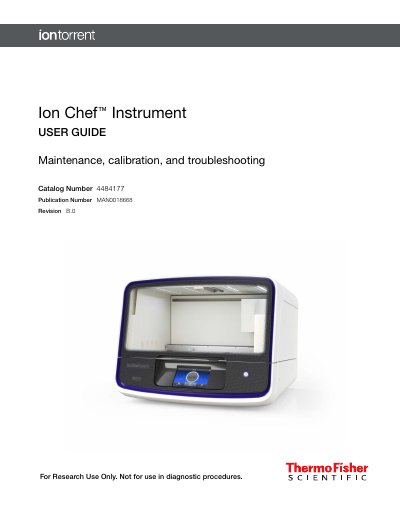
The Ion Chef Instrument User Guide is a reference for routine maintenance and calibration of the Ion Chef System, which performs automated template preparation and chip loading for Ion Torrent sequencing platforms. It also covers troubleshooting, compatible reagent kits and sequencing chips, instrument layout, and safety information.
The guide describes the touchscreen interface, XYθ and Z calibration procedures, cleaning protocols, firmware updates, and replacement of the ultraviolet bulb. It lists compatible Ion PGM, Ion Proton, Ion S5, Ion S5 XL, and Ion GeneStudio S5 sequencers, along with expected sequencing throughput per chip type.
| Catalog Number | 4484177 |
|---|---|
| Publication Number | MAN0018668 |
| Chip loading time | 13–18 hours |
| Hands-on time for chip loading | Less than 15 minutes |
| Ion AmpliSeq library preparation capacity | Up to 8 DNA or RNA samples per run |
| Ion AmpliSeq library preparation time | Approximately 7 hours |
| Required Torrent Suite Software version | 5.12 or later |
| Power port | 100–240 VAC |
| Ethernet communication | 100 Mbit |
| Sequencing chip storage temperature | 15°C–30°C |
| Calibration Supplies Kit capacity | Ten XYθ and ten Z calibrations |
It provides automated, high-throughput template preparation and chip loading for use with Ion PGM, Ion Proton, Ion S5, Ion S5 XL, and Ion GeneStudio S5 sequencers.
Loading two chips takes 13–18 hours depending on the panel and sequencing chip, with less than 15 minutes of hands-on time.
The instrument firmware must be updated with updates in Torrent Suite Software 5.12 or later.
It can prepare up to 8 DNA or RNA samples per run in approximately 7 hours, with 15 minutes of hands-on time.