
Pro-face GP-Pro EX Device/PLC Connection Manual

This manual describes how to connect the Display and the External Device (target PLC).
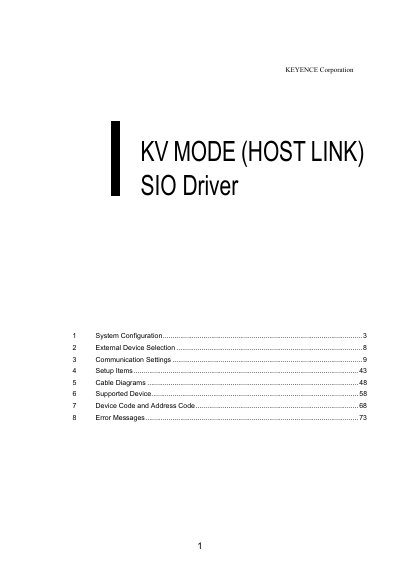

Pro-face GP-Pro EX Device/PLC Connection Manual - cover page
Brand
Pro-face
Category
Other products
Document type
Installation Guide
Language
English
Pages
74
File format
PDF
File size
1.1 MB
Published
29 November, 2023
Updated
29 November, 2023
MD5 checksum
7B4EA868610AC35E82228C3199821A7A

About this manual

This manual describes how to connect a Pro-face display to an external KEYENCE device using the KV MODE (HOST LINK) SIO driver. It covers system configurations, external device selection, communication settings, setup items, and cable diagrams.

The manual also lists supported devices, device and address codes, and error messages for the connection process.

What's inside

  • System Configuration
  • External Device Selection
  • Communication Settings
  • Setup Items
  • Cable Diagrams
  • Supported Device
  • Device Code and Address Code
  • Error Messages

Specifications

Number of Devices/PLCs1 to 4
ManufacturerKEYENCE Corporation
SeriesKV MODE (HOST LINK) SIO

Frequently asked questions

How many devices or PLCs can be connected to the display?

Enter an integer from 1 to 4 to define the number of devices or PLCs to connect.

Which manufacturer should be selected for the external device?

Select KEYENCE Corporation as the manufacturer of the external device.

Which series should be selected for the external device?

Select KV MODE (HOST LINK) SIO as the external device series and connection method.

Download PDF (1.1 MB)

More Pro-face Manuals


View all Pro-face manuals →