
This guide describes how to install and set up a Brocade 6520 switch in a single-switch configuration using EZSwitchSetup.
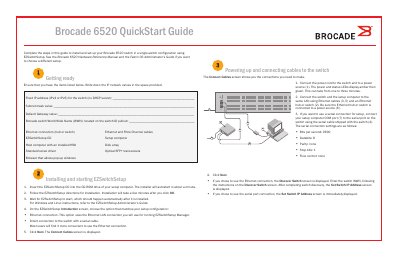
This QuickStart Guide walks through installing and setting up the Brocade 6520 switch in a single-switch configuration using the EZSwitchSetup utility. It covers the required items (Ethernet and Fibre Channel cables, EZSwitchSetup CD, setup computer, host with an installed HBA, disk array, SFP+ transceivers), powering up and cabling the switch, and recording IP network values such as the fixed IPv4 or IPv6 address, subnet mask, default gateway, and the switch World Wide Name (WWN) located on the switch ID pullout.
The guide then explains installing and starting EZSwitchSetup from CD (Ethernet or serial connection), setting the switch IP address, creating an administrator password, configuring Typical Zoning and device selection, and connecting host and storage devices until all connections display as valid. It is bilingual, with the same content repeated in English and Chinese, and refers readers to the Brocade 6520 Hardware Reference Manual, the Fabric OS Administrator's Guide, and the EZSwitchSetup Administrator's Guide for other setup and configuration options.
| Serial connection bits per second | 9600 |
|---|---|
| Serial connection databits | 8 |
| Serial connection parity | none |
| Serial connection stop bits | 1 |
| Serial connection flow control | none |
The switch WWN is located on the switch ID pullout.
The power and status LEDs display amber then green, which can take from one to three minutes.
Use 9600 bits per second, 8 databits, no parity, 1 stop bit, and no flow control.
It can take up to 15 seconds for the connection to display as a valid connection.