
QuickStart Guide for installing and setting up a Brocade 6520 switch in a single-switch configuration using EZSwitchSetup.
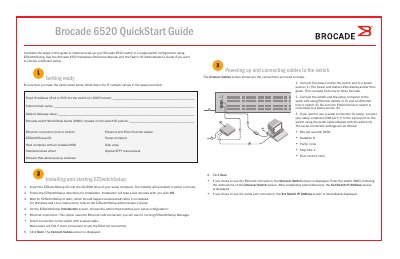
The Brocade 6520 QuickStart Guide provides step-by-step instructions for the installation and initial configuration of the Brocade 6520 switch. It focuses on a single-switch configuration utilizing the EZSwitchSetup utility for streamlined deployment.
The guide covers essential setup phases including hardware preparation, cabling, IP address assignment, password configuration, and device connectivity using SFP+ transceivers.
| Serial Connection Speed | 9600 bps |
|---|---|
| SFP+ Transceiver Support | 8, 10, and 16 Gbps |
The settings are 9600 bits per second, 8 data bits, no parity, 1 stop bit, and no flow control.
Insert the EZSwitchSetup CD into the computer's CD-ROM drive and follow the on-screen directions for installation.