
This guide provides steps to install and set up the Brocade 6510 switch in a single-switch configuration using EZSwitchSetup.
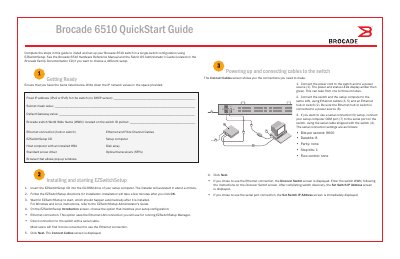
The Brocade 6510 QuickStart Guide walks through installing and configuring the switch in a single-switch setup using the EZSwitchSetup utility. It lists required items such as a fixed IP address, subnet mask, default gateway, switch WWN, Ethernet cables, EZSwitchSetup CD, a setup computer, host computer with HBA, disk array, screw driver, SFP transceivers, and a browser that allows pop-ups.
The guide details powering up the switch, connecting Ethernet and serial cables, installing and launching EZSwitchSetup, setting the switch IP address, creating an administrator password, configuring typical zoning, selecting connected devices, inserting SFP+ transceivers (16 Gbps or 8 Gbps), and cabling Fibre Channel connections to hosts and storage. Serial console settings are 9600 bps, 8 data bits, no parity, 1 stop bit, no flow control. This manual is written in Chinese.
| Serial console settings | 9600 bps, 8 data bits, no parity, 1 stop bit, no flow control |
|---|
The serial connection uses 9600 bits per second, 8 data bits, no parity, 1 stop bit, and no flow control.
The power and status LEDs display amber then green, which can take from one to three minutes.
Typical Zoning is the default zone configuration selected in EZSwitchSetup.