
Dell Vostro 3901 Quick Start Guide

The Dell Vostro 3901 Quick Start Guide provides instructions on how to use the Dell Vostro 3901 computer.
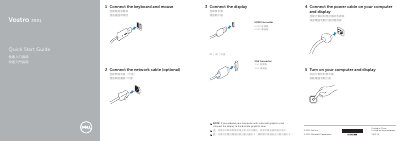

Dell Vostro 3901 Quick Start Guide - cover page
Brand
DELL
Category
Desktops
Document type
Quick Start Guide
Language
English
Pages
2
File format
PDF
File size
245 KB
Published
26 November, 2023
Updated
26 November, 2023
MD5 checksum
77D8B00D1048B9018A6EF7AA7A77B651

About this manual

This document is the Quick Start Guide for the Dell Vostro 3901 computer. It outlines the initial steps to get the device running, such as connecting the power cable, network cable, display, keyboard, and mouse. It also includes instructions for turning on the computer and display.

What's inside

  • Connect the network cable
  • Turn on your computer and display
  • Connect the power cable
  • Connect the display
  • Connect the keyboard and mouse
  • Features
  • Explore resources
  • Regulatory and safety

Frequently asked questions

Where can I find product support and manuals?

You can find product support and manuals at dell.com/support.

Where can I contact Dell?

You can contact Dell at dell.com/contactdell.

Download PDF (245 KB)

More DELL Manuals


View all DELL manuals →