
The Dell Display Manager User Guide introduces the Dell Display Manager as an application for Microsoft Windows used to manage one or more monitors. It allows manual adjustment of the displayed image, automatic allocation of settings, power management, window organization, image rotation, and other functions on certain Dell monitors.
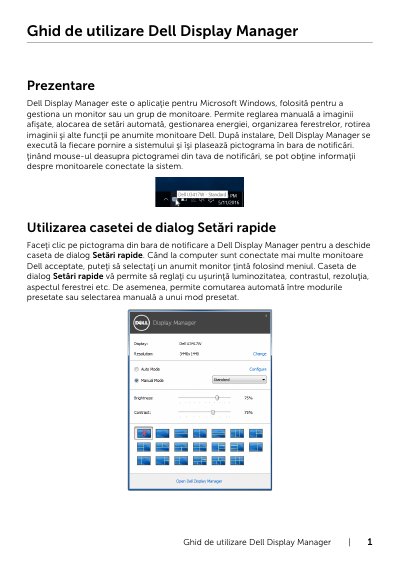
Dell Display Manager is a Microsoft Windows application for managing one monitor or a group of monitors. It supports manual adjustment of the displayed image, automatic assignment of settings, power management, window organization, image rotation, and other functions on certain Dell monitors.
The guide explains the Quick Settings dialog, basic functions, assigning preset modes to applications, Easy Arrange, Input Manager, PIP/PBP, USB upstream switching, and PowerNap power-saving options.
| Supported operating system | Microsoft Windows |
|---|---|
| Startup behavior | Runs at every system startup |
| Supported monitors | Certain Dell monitors |
| Power-saving option | PowerNap |
Dell Display Manager is a Microsoft Windows application used to manage one monitor or a group of monitors.
When Auto Mode is enabled, Dell Display Manager switches automatically to the corresponding preset mode when the associated application is activated.
On supported Dell monitors, Easy Arrange lets you arrange open windows in a predefined layout by dragging them into zones.
The Options tab offers PowerNap power-saving options, such as setting monitor brightness to minimum or switching the monitor to inactive mode when the screen saver is active.