
The Dell EMC PowerEdge R540 Getting Started Guide introduces the features and characteristics of the product.
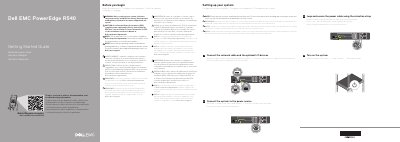
This guide helps you set up your Dell EMC PowerEdge R540 server. It includes safety warnings, power connection steps, and instructions for installing the operating system before adding hardware. Technical specifications are also provided, including power ratings and temperature limits. For full documentation, visit Dell.com/poweredgemanuals.
| Power | 1100 W Platinum AC 100–240 V, 50/60 Hz, 12 A–6.5 A |
|---|---|
| System Battery | 3 V CR2032 lithium coin cell |
| Maximum Ambient Temperature | 35°C/95°F |
Use Extended Power Performance (EPP) compliant power supply units, indicated by the EPP label.
The full documentation set is available at Dell.com/poweredgemanuals.
Yes, ensure the operating system is installed before installing hardware or software not purchased with the system.