
Dell Latitude 3380 Laptop Quick Start Guide

The Latitude 3380 Quick Start Guide provides instructions on how to set up and use the Latitude 3380 laptop.
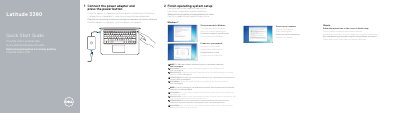

Dell Latitude 3380 Laptop Quick Start Guide - cover page
Brand
DELL
Category
Laptops
Document type
Quick Start Guide
Language
English
Pages
2
File format
PDF
File size
684 KB
Published
25 November, 2023
Updated
25 November, 2023
MD5 checksum
AEE723E402641B98A30F5497A828AAC4

About this manual

This Dell Latitude 3380 Quick Start Guide explains how to set a Windows password, connect to a network, connect the power adapter, and finish operating system setup on Windows 7 or Ubuntu.

It lists the computer's features, including the microphone, camera, USB 3.0 ports, HDMI port, network port, and power port, and provides Dell support contacts and regulatory compliance information.

What's inside

  • Set a password for Windows
  • Connect to your network
  • Finish operating system setup
  • Features
  • Product support and manuals
  • Contact Dell
  • Regulatory and safety

Specifications

Regulatory modelP80G
Regulatory typeP80G001

Frequently asked questions

Where can I find instructions for SIM card installation?

See the Owner’s Manual at Dell.com/support.

How do I complete operating system setup?

Follow the instructions on the screen to finish setup.

What is the computer model?

The computer model is Latitude 3380.

Download PDF (684 KB)

More DELL Manuals


View all DELL manuals →