
Dell XFP modules are hot-pluggable optical transceivers that comply with the 10GBase-SR (short-reach) and 10GBase-LR (long-reach) 10 Gigabit Ethernet standards.
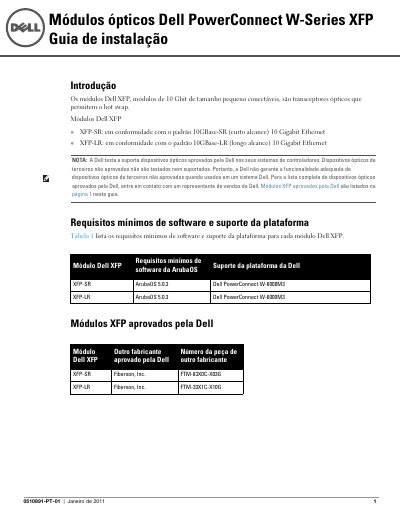
This Portuguese-language installation guide covers the Dell PowerConnect W-Series XFP optical modules, small form factor pluggable 10 Gbit optical transceivers that support hot swap. Two modules are described: the XFP-SR, compliant with the 10GBase-SR (short reach) 10 Gigabit Ethernet standard, and the XFP-LR, compliant with the 10GBase-LR (long reach) standard.
The guide lists minimum ArubaOS software requirements (ArubaOS 5.0.3) and platform support (Dell PowerConnect W-6000M3) for both modules, provides physical and optical specifications, and gives step-by-step instructions for installing and removing an XFP module in a 10GBase-X port. It also covers laser safety and regulatory compliance, including RoHS and WEEE information, and Dell support contacts. This manual is written in Portuguese.
| XFP-SR connector type | LC fiber optic |
|---|---|
| XFP-SR wavelength | 850 nm |
| XFP-SR reach | ~30 m (62.5 μm core), ~82 m (50 μm, 500 MHz/km), ~300 m (50 μm, 2000 MHz/km) |
| XFP-LR connector type | LC fiber optic |
| XFP-LR wavelength | 1310 nm nominal |
| XFP-LR reach | ~10 km (9 μm core) |
| Minimum software | ArubaOS 5.0.3 |
| Supported platform | Dell PowerConnect W-6000M3 |
Both the XFP-SR and XFP-LR modules require ArubaOS 5.0.3 and are supported on the Dell PowerConnect W-6000M3 platform.
Use standard ESD precautions, slide the module top-side up into a 10GBase-X port until it clicks, then lock it in place by moving the latch up toward the top of the module.
No. Dell tests and supports only Dell-approved optical devices; unapproved third-party optical devices are not tested or supported and their proper functioning is not guaranteed.
The product complies with 21 CFR, chapter 1, subchapter J, part 1040.10 and IEC 60825-1: 1993, A1: 1997, A2: 2001, IEC 60825-2: 2000, and is a Class 1 laser product.