
The Dell PowerConnect W-AP100 Series Access Point Installation Guide document outlines the Dell W-AP104 and W-AP105 wireless access points.
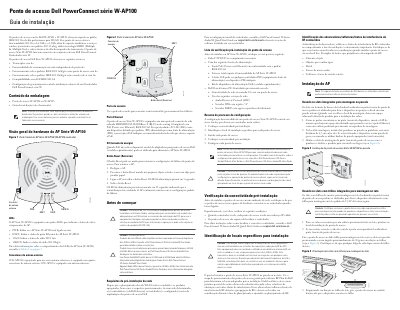
This guide provides step-by-step instructions for installing and configuring Dell PowerConnect W-AP104 and W-AP105 wireless access points. It covers hardware overview, pre-installation requirements, mounting options, and configuration steps. The access points support dual-band 802.11n (2.4 GHz and 5 GHz) and are compatible with PoE IEEE 802.3af. They must operate in conjunction with a Dell PowerConnect W-series controller. Installation includes wall or ceiling mounting, cable connections, and initial configuration via the controller. This manual is written in Portuguese.
| Wireless Standard | IEEE 802.11n |
|---|---|
| Frequency Bands | 2.4 GHz and 5 GHz |
| PoE Compatibility | IEEE 802.3af |
| Controller Compatibility | Dell PowerConnect W-series controller |
It supports IEEE 802.11n for high-performance WLAN, with dual-band 2.4 GHz and 5 GHz functionality.
No, it must operate in conjunction with a Dell PowerConnect W-series controller.