
Dell™ Studio™ 1450/1457/1458 Service Manual Notes, Cautions, and Warnings
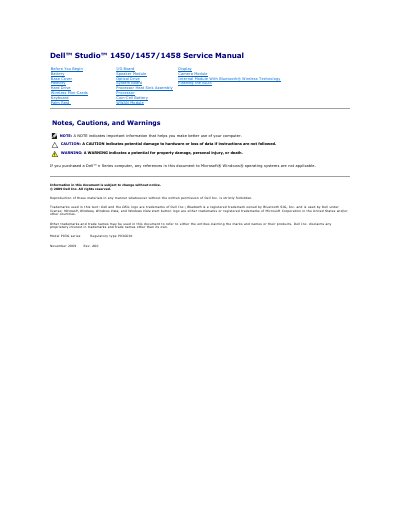
This is the service manual for the Dell Studio 1450/1457/1458 laptop (model P03G series, regulatory type P03G001, November 2009, Rev. A00). It provides step-by-step instructions for removing and installing components such as the battery, base cover, memory, hard drive, wireless Mini-Cards, keyboard, palm rest, I/O board, speaker module, optical drive, system board, processor heat sink assembly, coin-cell battery, WWAN module, display, camera module and the internal module with Bluetooth wireless technology.
The manual opens with safety notes, cautions and warnings, recommended tools, and procedures for turning off the computer and preparing it before working inside. It also includes instructions for flashing the BIOS either from a CD or from the hard drive via the Dell Support website. Dell notes that only a certified service technician should perform repairs, as unauthorized servicing damage is not covered by the warranty.
The manual lists a small flat screwdriver, Phillips screwdriver, plastic scribe, hex nut driver, and a BIOS upgrade CD or the BIOS executable update program from the Dell Support website.
Turn the computer over, slide the battery release latch until it clicks into place, then slide the battery out of the battery bay.
Download the latest BIOS file from the Dell Support website at support.dell.com, save it to your desktop, then double-click the file and follow the on-screen procedures.
Dell states that only a certified service technician should perform repairs, and damage from unauthorized servicing is not covered by the warranty.