
The Dell™ Studio XPS™ 1340 Service Manual provides information on how to disassemble and replace components in the Dell™ Studio XPS™ 1340 notebook.
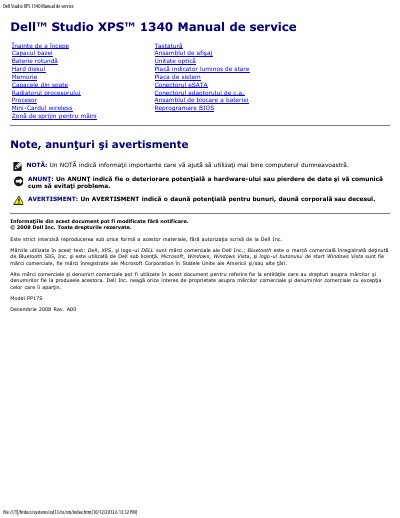
This service manual is for the Dell Studio XPS 1340 notebook. It describes preparation steps, safety warnings, recommended tools, and procedures for removing and reinstalling components.
Covered procedures include the base cover, coin-cell battery, hard drive, memory, processor, wireless Mini-Card, keyboard, display assembly, and system board. The manual also states precautions such as using an authorized service technician, avoiding electrostatic discharge, and grounding the system board by pressing the power button after battery removal.
| Model number | PP17S |
|---|---|
| Base cover captive screws | 10 |
The manual lists a Phillips screwdriver, processor extraction tool, small flat-blade screwdriver, Torx T5 screwdriver, and a BIOS upgrade CD.
The base cover is secured by 10 captive screws.
Only an authorized service technician should repair the computer.