
Dell Display Manager is an application for Windows used to manage a monitor or group of monitors.
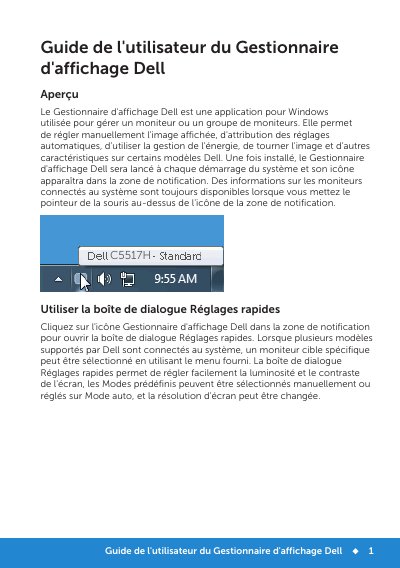
Dell Display Manager is a Windows application for managing one monitor or a group of monitors. It allows manual adjustment of the displayed image, assignment of automatic settings, power management, image rotation, and other features on some Dell models. After installation it starts with the system and places an icon in the notification area.
The guide covers the Quick Settings dialog, the Basic tab for preset modes, brightness and contrast, the Auto Mode tab for assigning presets to applications by dragging them onto a list, and Easy Arrange on some Dell models for organizing windows into predefined or custom layouts. A custom layout can save up to 10 windows; batch files, scripts, loading programs, and non-executable archives cannot be assigned preset modes. This manual is written in French.
| Supported operating system | Windows |
|---|---|
| Startup behavior | Launches at every system startup |
| Maximum windows in a custom Easy Arrange layout | 10 |
| Preset mode assignment limitations | Not supported for batch files, scripts, loading programs, and non-executable files such as zip archives |
Dell Display Manager is a Windows application for managing one monitor or a group of monitors. It supports manual image adjustment, automatic setting assignment, power management, and image rotation on some Dell models.
Click the Dell Display Manager icon in the notification area.
No. Assignments for batch files, scripts, loading programs, and non-executable files such as zip archives are not supported.
You can place up to 10 windows in a custom layout.