
Dell™ PowerEdge™ SC 420 Systems Information Update
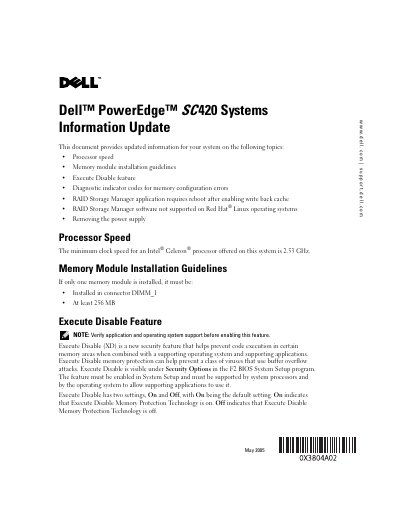
The Dell PowerEdge SC 420 Systems Information Update supplements the system's installation and troubleshooting guide with revised details on several hardware and software topics. It covers the minimum processor speed for Intel Celeron processors, memory module installation rules, the Execute Disable security feature, diagnostic indicator codes for memory errors, RAID Storage Manager reboot requirements and Linux support limitations, and the procedure for removing the power supply.
Key updates include a minimum clock speed of 2.53 GHz for Celeron processors, a requirement that a single memory module be at least 256 MB and installed in DIMM_1, and the Execute Disable feature being enabled by default in BIOS. The document also notes that enabling write-back cache in RAID Storage Manager requires a system reboot, that RAID Storage Manager is not supported on Red Hat Linux, and that the power supply is secured with only two screws.
| Minimum Processor Speed | 2.53 GHz |
|---|---|
| Single Memory Module Slot | DIMM_1 |
| Single Memory Module Minimum Capacity | 256 MB |
| Execute Disable Default Setting | On |
| Diagnostic Indicator Pattern for Memory Error | A=yellow, B=green, C=off, D=off |
| RAID Storage Manager Write-Back Cache Reboot Required | Yes |
| RAID Storage Manager Red Hat Linux Support | Not supported |
| Power Supply Mounting Screws | Two |
The minimum clock speed is 2.53 GHz.
It must be installed in connector DIMM_1.
The default setting is On.
It indicates a memory configuration error.
No, RAID Storage Manager for Red Hat Linux is not supported on this system.
The power supply is secured with two screws.