
The Dell™ OptiPlex™ 780 Small Form Factor Service Manual provides information on operating the computer, removing and replacing components, specifications, diagnostics, system setup, and caution, warning, and danger information.
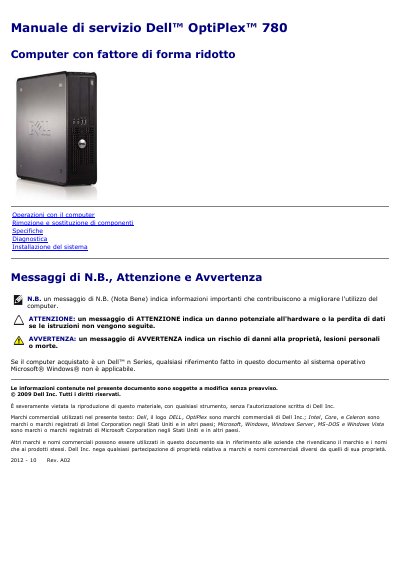
The Dell OptiPlex 780 Small Form Factor Service Manual is an Italian-language service document for the OptiPlex 780 small form factor computer. It covers computer operations, removing and replacing components, specifications, diagnostics, system setup, and notes, cautions, and warnings.
The manual lists recommended tools and describes safety steps before working inside the computer, including turning off the computer, disconnecting cables, and grounding the system board. It also provides removal and replacement topics for components such as the cover, memory, floppy drive, expansion card, power supply, I/O panel, coin-cell battery, optical drive, heat sink and processor, hard drive, system board, and fan. This manual is written in Italian.
| Processor types | Intel Core 2 Duo and Intel Core 2 Quad with FSB up to 1333 MHz; Intel Pentium Dual Core with FSB up to 1066 MHz; Intel Celeron with FSB up to 800 MHz |
|---|---|
| Memory type | DDR3 SDRAM, non-ECC only |
| Maximum memory | 16 GB |
| Chipset | Intel Q45 Express with ICH10DO |
| Video | Integrated Intel X4500 graphics accelerator with up to 256 MB shared video memory |
| Network | Integrated Intel network interface card with 10/100/1000 Mb/s communication |
| USB connectors | Two front-panel connectors and six back-panel connectors |
| Video connectors | One 15-hole VGA connector and one 20-pin DisplayPort connector |
| Audio connectors | Two back-panel line-in/microphone and line-out connectors; two front-panel headphone and microphone connectors |
| PCI Express bus speeds | x1 slot: 250 MB/s bidirectional; x16 slot: 8 GB/s bidirectional |
A small flat-head screwdriver, a Phillips screwdriver, and a small plastic scribe are listed, along with a flash BIOS update CD.
Click Start, click the arrow in the lower-right corner of the Start menu, and select Shut Down.
The maximum memory is 16 GB.
It uses the Intel Q45 Express chipset with ICH10DO.