
Dell E-Port Plus II Quick Setup Guide

The Dell™ E-Port Plus II Quick Setup Guide describes how to set up and use the Dell™ E-Port Plus II.
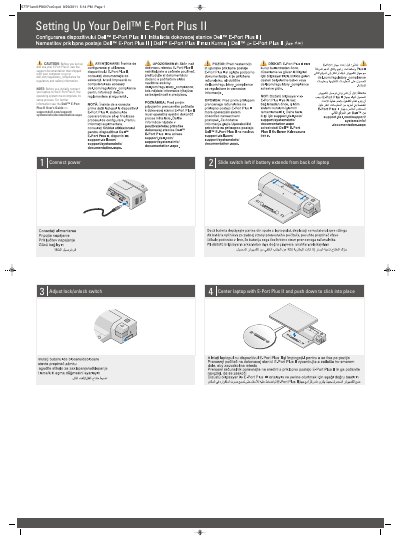

Dell E-Port Plus II Quick Setup Guide - cover page
Brand
DELL
Category
Other Computer Accessories
Document type
Quick Start Guide
Language
English
Pages
2
File format
PDF
File size
2.3 MB
Published
25 November, 2023
Updated
25 November, 2023
MD5 checksum
E446554D82F24D7BC4F6AA4EDB8EE460

About this manual

This two-page guide is for setting up the Dell E-Port Plus II. It includes caution and note information, then setup steps for connecting power, adjusting a switch when the battery extends from the back of the laptop, adjusting the lock/unlock switch, and centering and clicking the laptop into place.

The guide also references regulatory and safety information and points to the Dell E-Port Plus II User's Guide on support.dell.com.

What's inside

  • CAUTION: regulatory and safety information
  • NOTE: operating system setup
  • Setting Up Your Dell E-Port Plus II
  • Connect power
  • Slide switch left if battery extends from back of laptop
  • Adjust lock/unlock switch
  • Center laptop with E-Port Plus II and push down to click into place
  • Dell E-Port Plus II User's Guide

Frequently asked questions

Where can I find regulatory and safety information for the E-Port Plus II?

See the support documentation that shipped with your computer or go to dell.com/regulatory_compliance.

What must be completed before initially connecting a laptop to the E-Port Plus II?

The operating system must complete its setup process.

Where is the Dell E-Port Plus II User's Guide available?

It is available on support.dell.com/support/systemsinfo/documentation.aspx.

Download PDF (2.3 MB)

More DELL Manuals


View all DELL manuals →