
The Dell B3460dn Laser Printer User's Guide describes the features and functions of the printer, including how to set it up and use it.
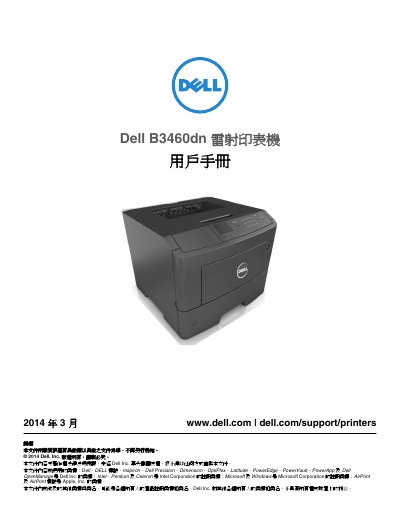
This is the user's guide for the Dell B3460dn laser printer, dated March 2014 and published by Dell Inc. It walks through initial setup, printer configuration, installing optional trays and hardware, connecting cables, and setting up the printer software and network features.
The guide also explains loading paper and specialty media, printing documents and confidential jobs, printing from a flash drive or mobile devices via AirPrint and Dell Mobile Print, understanding the printer menus, saving energy and supplies, maintaining the printer, clearing paper jams, and troubleshooting printer messages and printing problems. This manual is written in Chinese.
| Operating temperature | 16 to 32°C (60 to 90°F) |
|---|---|
| Storage temperature | -20 to 40°C (-4 to 104°F) |
| Optional trays | Up to two optional 550-sheet tray units |
| Recommended clearance | Right 305 mm, front 508 mm, left 203 mm, rear 203 mm, top 305 mm |
The setup instructions ship with the printer as the setup documentation, and the User's Guide and Quick Reference Guide are on the Software and Documentation CD.
Yes, the guide describes printing from mobile devices using AirPrint and Dell Mobile Print.
The guide includes a section on clearing jams in the manual feeder, along with jams at the front door, rear door, standard bin, duplex unit and trays.
The guide covers returning the printer settings to factory defaults in the printer management section.