
OptiPlex USFF 780/OptiPlex SFF 980 AIO stand comes with stand and cables.
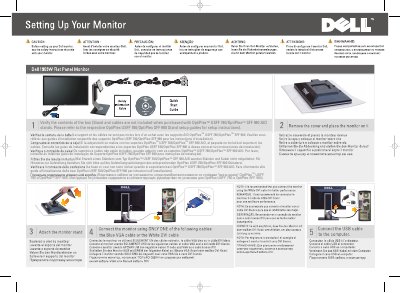
This Dell monitor setup guide uses diagrams and multilingual labels to identify the monitor's controls, ports, stand release button, cable management slot, and soundbar mounting brackets. It also notes that the stand and cables are not included when the monitor is purchased with OptiPlex USFF 780 or OptiPlex SFF 980 AIO stands.
For installation, connect the power cord and press the power button; rotation is not applicable for an AIO stand.
No. They are not included when the monitor is purchased with OptiPlex USFF 780 or OptiPlex SFF 980 AIO stands.
No. Rotation is not applicable for an AIO stand.