
This guide describes how to set up a password, connect to a network, and access help documentation on Windows 10.
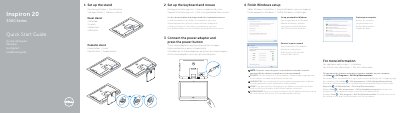
This multilingual quick start guide is for the Dell Inspiron 20 3000 Series computer, with the computer model listed as Inspiron 20-3059. It shows how to attach an easel stand or pedestal stand, connect the power adapter, press the power button, and set up the keyboard and mouse.
The guide then covers finishing Windows setup, setting a Windows password, connecting to a network, and protecting the computer. It also lists features such as USB ports, HDMI-in, audio-out, media-card reader, camera, microphones, power button, screen-off button, brightness-control buttons, and optional optical drive, plus Dell support links.
| Computer model | Inspiron 20-3059 |
|---|---|
| Regulatory model | W15B |
| USB 3.0 ports | 2 |
| USB 2.0 ports | 2 |
| Headset port | Included |
| Power-adapter port | Included |
| Optical drive | Optional |
| Brightness-control buttons | 2 |
Connect the power adapter and press the power button.
Enter the password for the wireless network access when prompted.
Click Start → All Programs→ Dell Help Documentation.
The computer model is Inspiron 20-3059.