
Dell EMC Networking OS 9.14(2.10) Release Notes
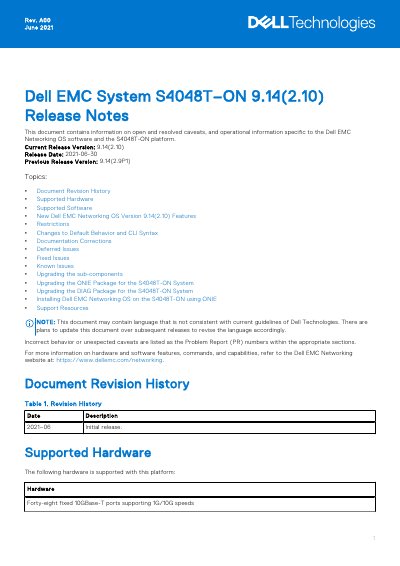
This document is the Dell EMC Networking OS 9.14(2.10) Release Notes for the S4048T-ON platform. It provides information on open and resolved caveats and operational details specific to the Dell EMC Networking OS software and the S4048T-ON switch, with an initial release date of June 2021.
Topics covered include supported hardware and software, new features, restrictions, changes to default behavior and CLI syntax, documentation corrections, deferred and fixed issues, known issues, and procedures for upgrading sub-components, ONIE and DIAG packages, and installing the OS using ONIE.
| Fixed 10GBase-T Ports | Forty-eight fixed 10GBase-T ports supporting 1G/10G speeds |
|---|---|
| QSFP+ Ports | Six fixed QSFP+ ports supporting 40G or 10G breakout mode |
| Power Supplies | Two hot pluggable redundant power supplies |
| Fan Modules | Four removable fans |
| CPU | Dual core 1.7GHz Rangeley central processing unit |
| Chassis | Standard 1U chassis |
| Minimum OS Release | Dell EMC Networking OS 9.14(2.10) |
The current release version is 9.14(2.10), with a release date of 2021-06-30.
No. Inserting a non-Dell qualified 40G transceiver puts the interface in an error-disabled state and generates a syslog message.
Uninstall the older Open Automation package, upgrade the Dell EMC Networking OS, then install the OA packages from the upgraded version.