
This guide describes how to install and set up a Brocade 6520 switch in a single-switch configuration using EZSwitchSetup.
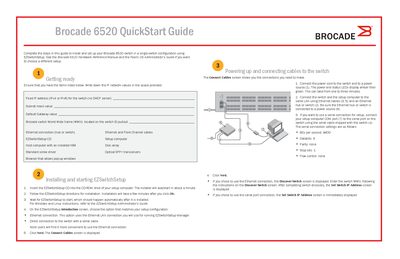
This guide covers installing and setting up a Brocade 6520 switch in a single-switch configuration using EZSwitchSetup. It lists required items and IP network values to prepare before setup.
The guide walks through powering up and connecting cables, installing and starting EZSwitchSetup, setting the switch IP address and password, configuring zones and device selection, and connecting devices.
| Serial connection bits per second | 9600 |
|---|---|
| Serial connection databits | 8 |
| Serial connection parity | none |
| Serial connection stop bits | 1 |
| Serial connection flow control | none |
EZSwitchSetup is used to install and set up the switch.
The serial connection uses 9600 bits per second, 8 databits, no parity, 1 stop bit, and no flow control.
Typical Zoning is the default zone configuration.
The Finish screen displays: “Congratulations - you’ve successfully completed the setup!”