
Dell Latitude 7390 2-in-1 Quick Start Guide
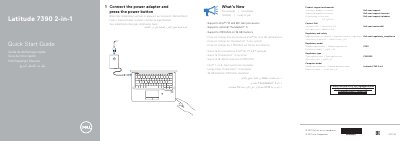
This guide helps you power on and begin using the Dell Latitude 7390 2-in-1. It includes details on ports, cameras, sensors, and optional features like fingerprint reader and active pen. The device supports Intel 7th and 8th Gen processors and Thunderbolt 3.
Connect the power adapter and press the power button to start. The guide lists all physical components including USB ports, HDMI, DisplayPort over USB-C, micro-SIM, microSD, and NFC sensor slots.
| Processor Support | Intel® 7th and 8th Gen processors |
|---|---|
| Thunderbolt Support | Thunderbolt ™ 3 (optional) |
| Memory Support | 2133 MHz on 16 GB memory |
Connect the power adapter and press the power button.
It supports Intel® 7th and 8th Gen processors.
Yes, it supports optional Thunderbolt ™ 3.