
The Dell Precision 7920 Tower Quick Start Guide provides information on how to set up and use the Dell Precision 7920 Tower Workstation.
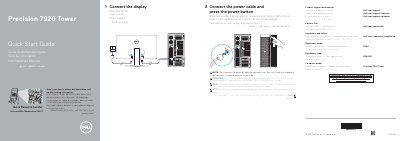
The Dell Precision 7920 Tower Quick Start Guide shows how to connect the power cable, press the power button, and connect the display. It includes notes about the side cover and startup behavior, plus a QR code for how-to videos, documentation, and troubleshooting.
The guide also lists product support and manual links, regulatory and safety information, and labeled views identifying the system's ports, slots, bays, drives, and side cover. The document is multilingual and gives the computer model as Precision 7920 Tower.
| Computer model | Precision 7920 Tower |
|---|---|
| USB ports | USB 3.1 Gen 1 and USB 3.1 Gen 1 Type-C |
| Expansion card slots | Present |
| 5.25 inch bay | Optional |
| Optical drive | Optical drive |
| Network port | Managed optionally |
| Audio ports | Headset port and Microphone/Line-in port |
| Security features | Security cable slot and padlock ring |
Connect the power cable and press the power button.
The system will not power on while the side cover is off, and it will shut down if the cover is removed while the system is on.
Scan the Quick Resource Locator code or visit Dell.com/QRL/Workstation/7920T.
The computer model is Precision 7920 Tower.