
Dell P28F monitor complies with NOM standards.
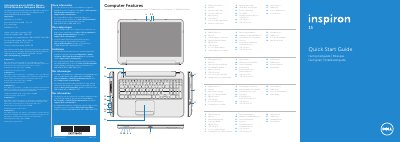
This two-page quick start guide from Dell covers the first-time setup of the Inspiron 3521 computer, whose regulatory model is P28F (type P28F001). Steps include connecting the power adapter, pressing the power button, completing Windows setup, checking the wireless status, connecting an optional network cable and switching to an external display.
The guide also lists the computer's features with numbered callouts, from the digital microphone and camera to the USB 2.0 and USB 3.0 ports, HDMI port, network port and power-adapter port, and describes the function keys for brightness, volume, media playback and wireless. A Mexico NOM notice lists the input and output power ratings, and space is provided to record the service tag and Windows password.
| Regulatory model | P28F |
|---|---|
| Type | P28F001 |
| Computer model | Inspiron 3521 |
| Input voltage | 100 – 240 V AC |
| Input current (maximum) | 1.50 A / 1.60 A / 1.70 A / 2.50 A |
| Input frequency | 50 Hz – 60 Hz |
| Output current | 3.34 A / 4.62 A |
| Nominal output voltage | 19.50 V DC |
Connect the power adapter and press the power button, then complete the Windows setup.
The feature list shows USB 2.0 ports and two USB 3.0 ports, along with an HDMI port and a network port.
The guide instructs you to locate the service tag/regulatory label and record the service tag in the space provided.
Use the wireless function key to turn wireless off and on; the wireless-status light shows the current state.