
Quick Start Guide for Lenovo Laptop
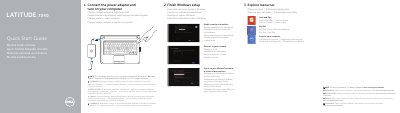
This is the Dell quick start guide for the Latitude 3340 computer, printed in English with Czech, Hungarian, Polish and Slovak translations. It walks through the first steps: connecting the power adapter and turning on the computer, finishing the Windows setup (security and updates, network connection, Microsoft or local account), and exploring resources such as Help and Tips, My Dell and product registration.
The second page lists the computer's features by number, from microphones and camera to the USB 3.0, Mini DisplayPort, HDMI and network connectors, and gives Dell support links for manuals, contacting Dell, and regulatory and safety information. The document notes that the setup instructions apply to computers shipped with Windows 8.1, while Windows 7 and Ubuntu users should follow the onscreen setup instructions.
| Computer model | Dell Latitude 3340 |
|---|---|
| Regulatory model | P47G |
| Regulatory type | P47G001 |
| USB connectors | USB 3.0 connector; USB 3.0 connector with PowerShare |
| Display connectors | Mini DisplayPort connector, HDMI connector |
| Other features | Microphones, camera, camera-status light, security cable slot, power button, status lights, audio connector, memory card reader, touchpad, speakers, air vents, network connector, power connector, network-status light |
They are for computers shipped with the Windows 8.1 operating system. For Windows 7 and Ubuntu, follow the onscreen setup instructions.
Dell states that more information is available in the Owner's Manual at dell.com/support/manuals.
Dell lists its contact page at dell.com/contactdell.
The regulatory model is P47G and the regulatory type is P47G001.