
The Dell™ OptiPlex™ GX280 System User's Guide describes the specifications and features of the Dell™ OptiPlex™ GX280 system.
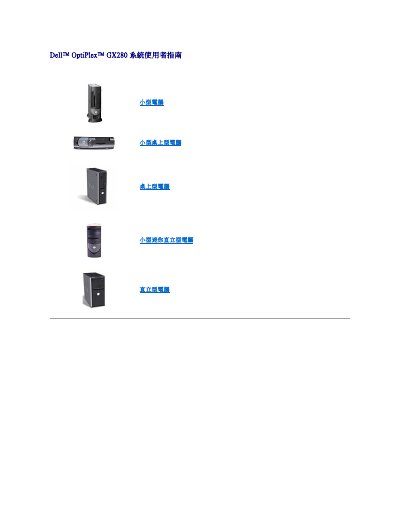
This user's guide covers the Dell OptiPlex GX280 system, including LegacySelect technology control, Alert Standard Format (ASF), and Dell OpenManage IT Assistant. It also explains security features such as chassis intrusion detection, padlock rings, security cable slots, and system password protection.
The guide provides step-by-step instructions for configuring chassis intrusion settings, assigning and entering a system password, and deleting or changing an existing system password through the system setup program. This manual is written in Chinese.
| ASF version supported | 1.03 |
|---|---|
| Maximum system password length | 32 characters |
| System battery low alert threshold | 2.2V or lower |
| Chassis intrusion default setting | On-Silent |
| Unsuccessful password attempts before system halt | 3 |
Enter the system setup program, move to System Security, open its pop-up menu, select Chassis Intrusion, and press Enter to choose the option setting. Save the settings and exit the system setup program.
A system password can be up to 32 characters. Passwords are not case sensitive.
The computer displays the number of unsuccessful password attempts and the message "System halted! Must power down."
Enter the system setup program, confirm Password Status is Unlocked, restart the computer, type the system password when prompted, and press Ctrl+Enter to disable the existing system password.