
Dell technical support services can help you resolve technical issues.
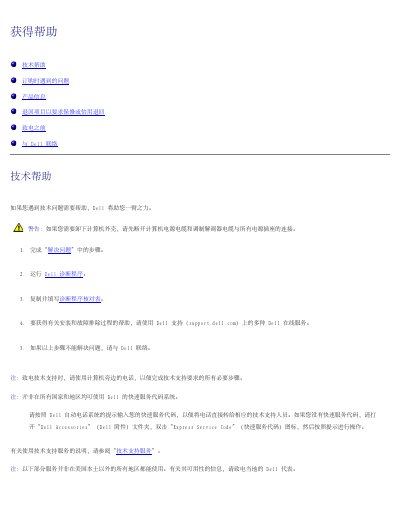
This Dell guide explains how to obtain technical help for Dell hardware, including troubleshooting steps, running Dell Diagnostics, completing a diagnostic checklist, and using the online services at support.dell.com.
It also covers ordering problems, product information, preparing returns for warranty repair or credit, and contacting Dell by phone or email. The document lists support, customer service, sales, and fax numbers by country and region. This manual is written in Chinese.
| 自动技术支持服务可用时间 | 每天 24 小时、每周 7 天 |
|---|---|
| 技术支持网站 | support.dell.com |
Dell online support is available at support.dell.com, where you select your region and enter the required details to view help tools and information.
Complete the troubleshooting steps, run Dell Diagnostics, fill out the diagnostic checklist, and use the Dell online services. If the problem is not resolved, contact Dell.
Have your Express Service Code ready, fill out the diagnostic checklist, and keep the computer documentation and the telephone near the computer.
Call Dell for a Return Material Authorization number, include an invoice copy and a letter explaining the reason, attach the diagnostic checklist, and use the original or equivalent packaging.