
The Dell Latitude 14 7000 Series Quick Start Guide provides information on how to set up and use your Dell Latitude 14 7000 Series laptop.
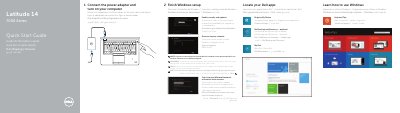
This Quick Start Guide covers initial setup of the Dell Latitude 14 7000 Series computer, including connecting the power adapter, finishing Windows setup, locating Dell apps, registering the device, enabling security and updates, connecting to a network, and signing in to a Microsoft account.
It also shows the computer's features, such as status lights, USB 3.0 connectors, HDMI and Mini-DisplayPort ports, an optional fingerprint reader, and the battery release latch, and lists support and regulatory information including dell.com/support and regulatory model P40G.
| Video port | HDMI connector |
|---|
Connect the power adapter and turn on your computer, then finish Windows setup.
Visit dell.com/support or dell.com/support/manuals.
No, Dell Backup and Recovery is optional.