
The Dell Precision 3510 Quick Start Guide provides information on how to use the Dell Precision 3510 laptop.
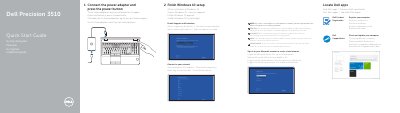
The Dell Precision 3510 quick start guide gives initial setup steps for the laptop. It shows how to connect the power adapter, press the power button, locate Dell apps, finish Windows 10 setup, enable Support and Protection, connect to a network, and sign in with a Microsoft account or create a local account.
The guide also lists the computer's features and ports, including the network, VGA, HDMI 1.4, USB 3.0, optional Thunderbolt 3, optional SIM-card slot, SD memory-card reader, and security-cable slot. It provides Dell support, contact, and regulatory and safety links.
| Network connector | Present |
|---|---|
| VGA connector | Present |
| HDMI connector | 1.4 |
| USB 3.0 connector with PowerShare | Present |
| SD memory-card reader | Present |
| Thunderbolt 3 connector | Optional |
| SIM-card slot | Optional |
| Computer model | Dell Precision -3510 |
Connect the power adapter and press the power button.
Enter the password for the wireless network access when prompted.
Dell lists Dell.com/support and Dell.com/support/manuals.
The guide covers finishing Windows 10 setup.